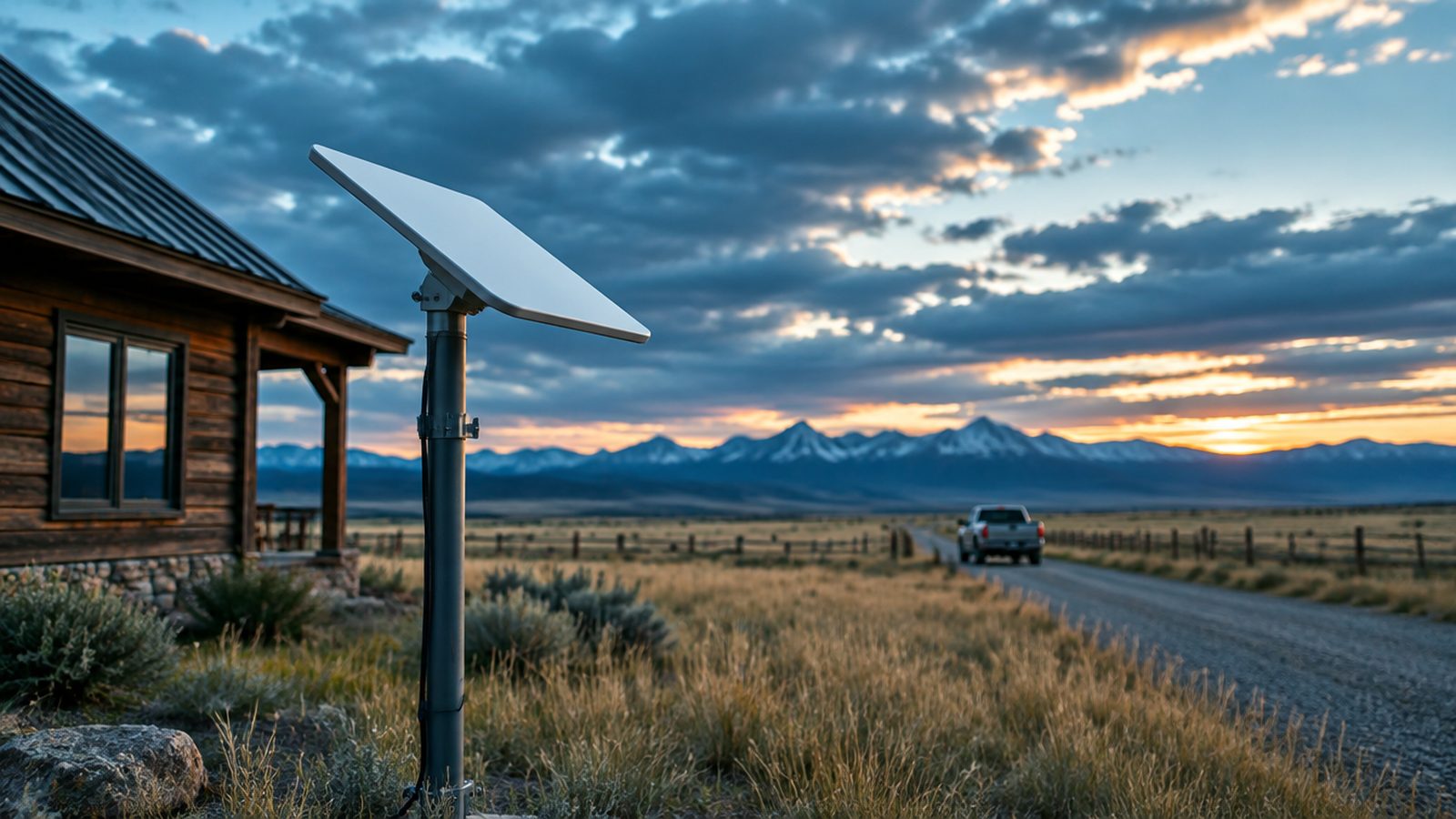
Starlink serves every US state, and in October 2026 it costs $55, $85 or $130 a month depending on the Residential speed tier your address is offered, with no upfront hardware cost in select areas ($349 for the Standard kit elsewhere). Professional installation through Starlink's partner OnTech is included with the two faster plans where available and costs $199 with the entry tier; independent installers charge from $100 for a basic mount and take on the jobs that bundle does not cover. This guide gives the figures checked on starlink.com on October 21, 2026, explains when an independent installer is the right call, and points to the installers and resellers we list in the United States.
Availability across the United States
Starlink covers the contiguous 48 states, Alaska, Hawaii and Puerto Rico. The constraint is capacity per cell: the two cheaper Residential tiers are only offered in areas with spare capacity, and the no-upfront-hardware offer and the free installation are also decided by address. Rural cells usually get every option; a fast-growing exurb may only see Residential Max. Enter your service address on starlink.com to see the exact offer for your location before you buy anything.
What Starlink costs in the US (October 2026)
The Residential tiers went up in June 2026 ($50 to $55, $80 to $85 and $120 to $130). The figures below were checked on starlink.com on October 21, 2026, unchanged since our September 17 check; your address decides which tiers and hardware offers you see.
| Plan | Price | What you get |
|---|---|---|
| Residential 100 Mbps | $55 / month | Unlimited data, download capped at 100 Mbps. Select areas only. |
| Residential 200 Mbps | $85 / month | Unlimited data, download capped at 200 Mbps, free professional home installation. Select areas only. |
| Residential Max | $130 / month | Maximum available speeds (advertised up to 400+ Mbps), top Residential priority, free professional home installation where available, optional Mini add-on with a discounted Roam plan. Not limited to select areas. |
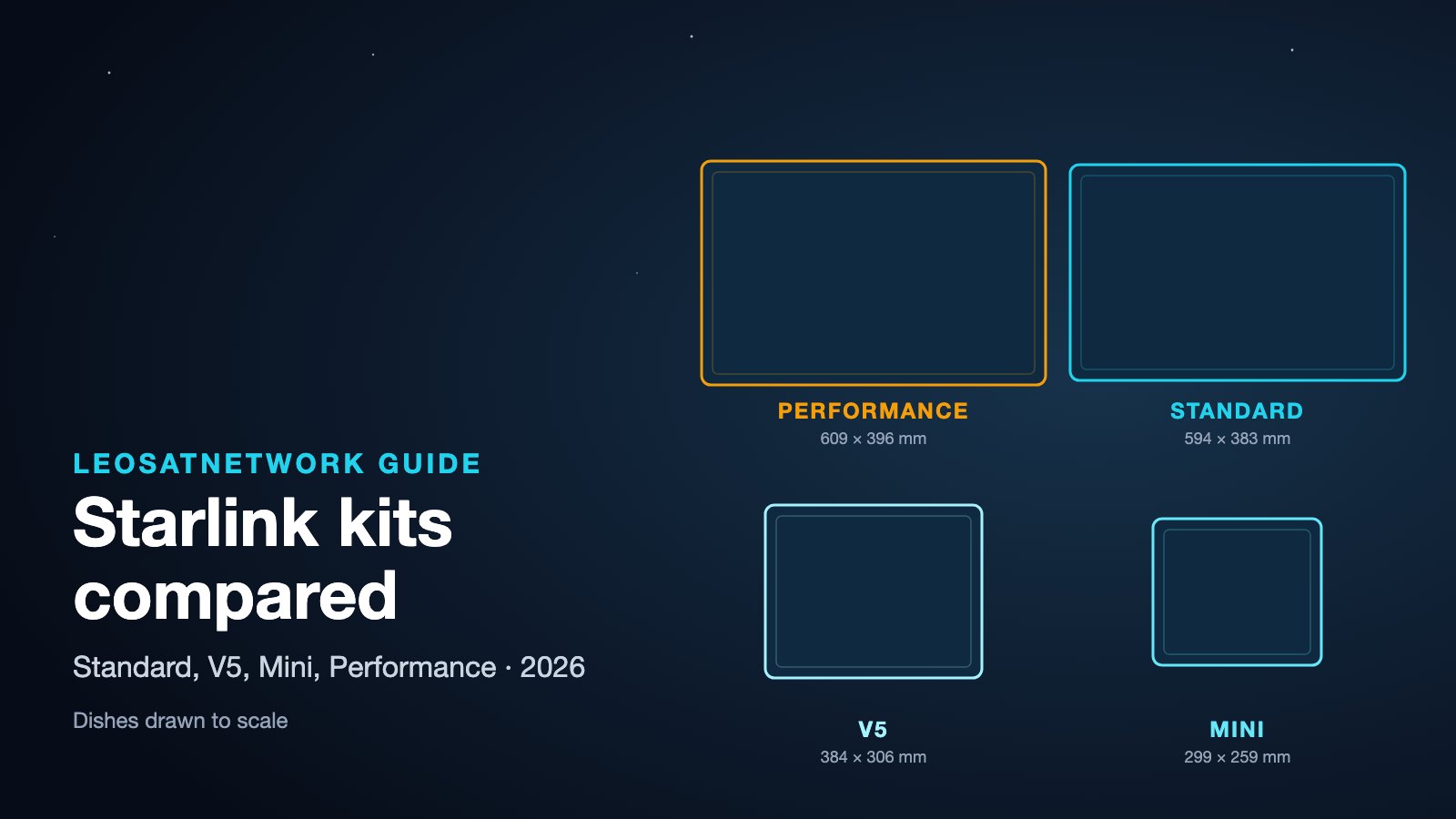
| Hardware | No upfront cost in select areas, otherwise $349 for the Standard kit (or $10 a month to rent where offered) | The new, more power-efficient V5 kit (375+ Mbps) is shipping in select areas. The Starlink Mini kit starts at $199. |
| Roam 100 GB | $55 / month | US and Canada, unlimited low-speed data after the allowance. |
| Roam 300 GB | $80 / month | US and Canada, for regular travelers. |
| Roam Unlimited | $175 / month | Unlimited high-speed data, 160+ countries, in-motion use in select areas. |
| Business (Local Priority) | from $55 / month | Priority data in 50 GB or 500 GB blocks ($55 for 50 GB, $155 for 500 GB, $280 for 1 TB), public IPv4, 24/7 prioritized support and an SLA. Global Priority (worldwide, incl. at sea) starts at $250 for 50 GB. |
Sales tax is added at checkout in most states. There is no minimum term on Residential, and a kit you paid for is yours to keep. The 30-day trial covers the service, which is why many people order first, test for a few days, and only then commit to a permanent mount.
Professional installation: OnTech and independent installers
Since 2026, Starlink has offered professional home installation through a nationwide partner, OnTech. It is included with Residential 200 Mbps and Residential Max where the service is available at your address, and sold for $199 with the 100 Mbps plan; the option appears at checkout. It covers a standard roof or wall mount, one cable entry through a wall, router setup and activation. Reviews are mixed on scheduling, and SpaceX is not liable for the partner's work, but for a simple single-story house it is hard to beat free.
Independent installers earn their fee on what a standard mount and one wall entry do not cover: complex or metal roofs, pole mounts on tree-covered lots, long underground runs to a barn or workshop, attic routing through finished walls, RVs, boats, and business sites that need failover with an existing line. Confirm OnTech's scope at your address first, then compare. Published 2026 ranges for independent work:
- Single-story standard install (roof, eave or wall mount, cable run, router placed): $100–$350. Confirm whether the mount and cabling are included.
- Two-story or complex roofs (steep pitch, metal, difficult access, long cable runs): $300–$600.
- Pole or ground mount on a wooded rural property: $350–$600; ask whether the pole, its footing and any trenching are included.
- Network extensions (Ethernet to outbuildings, mesh, failover with a business router): $400–$800 and up.
- RV and truck installs (roof mount, compatible power supply, in-motion setup): quoted per vehicle; see the RV outfitters in our listings.
Many satellite TV and antenna technicians now advertise Starlink installation. That is fine for a simple mount, but ask whether they have installed Starlink specifically: the Standard dish needs more clearance than a TV dish, and the cable must not be cut or spliced. For businesses, prefer a low-voltage or IT contractor who can integrate the connection with your router and set up failover.
HOA rules and permits
The FCC's OTARD rule generally protects your right to install an antenna under one meter on property you own or rent exclusively, so a homeowner association cannot normally prohibit a Starlink dish; it can ask for a placement that does not impair the signal. Check the rule before accepting a restriction. Residential mounts rarely need a permit, but local rules vary; commercial masts and towers are another story, so ask your installer.
Which kit and plan for which situation
- Home, cabin or small office: Standard kit (no upfront cost in select areas) on the Residential tier your address is offered. Pick the tier based on how many people use the connection at once; the cheaper tiers are hard caps, not "up to" figures.
- RV, van, truck, hunting camp: the Mini on a Roam plan for low power and easy mounting, or the Standard kit if you want the faster dish at a fixed camp. In-motion use needs a kit rated for it (the Mini or the Performance kit) and a Roam plan in an area where it is supported.
- Business, ranch with several buildings, construction site: a Local Priority plan sized to your usage, on the Performance kit (formerly Flat High Performance) if you need in-motion or maritime-grade hardware, installed professionally.
- Boats: any Roam plan works in coastal and inland waters; beyond that you need Global Priority and a kit approved for maritime use. See our guide to Starlink Maritime plans and VSAT for vessels.
What speeds to expect in the US
The 100 and 200 Mbps tiers are throttled at those figures. Residential Max is advertised at up to 400+ Mbps, and the V5 kit at 375+ Mbps; what you actually get depends on how busy your cell is, with evenings in fast-growing exurbs at the low end and sparsely populated cells at the top. In a congested cell the Business plan's priority data helps keep speeds up, though it is not a guarantee.
Weather matters less than people expect: heavy rain and wet snow usually cause brief slowdowns rather than outages, and the dish heats itself to shed snow. Obstructions matter more: even a partial tree line in the dish's field of view causes short repeated drops, which is why installers put it higher than you would a TV dish.
Starlink versus the alternatives in the US
- Fiber: where a fiber provider reaches your address it is usually cheaper and faster; Starlink is for the addresses the fiber build skipped, or a backup line that does not share the fiber's route.
- 5G home internet (T-Mobile, Verizon, AT&T): $50–$70 a month and worth trying first if you have a strong outdoor signal; performance depends on the local tower's load and your signal quality.
- Geostationary satellite (Viasat, Hughesnet): higher latency and data caps; the usual reason people switch to Starlink.
- Cable and DSL: compare local prices and upload speeds; rural DSL is often slower than Starlink's entry tier.
Common mistakes US installers see
- Mounting the dish low to hide it from the street: it needs a clear view of the sky in the direction the app shows (tilted north in the US); eaves, tree lines and the house itself block it.
- Running the cable through a window or door: the cable cannot be cut or spliced; plan the entry and buy the right length up front.
- Leaving the kit on the ground stand through winter: wind, snow load and foot traffic knock it over; a proper mount costs less than a replacement.
- Skipping the Ethernet adapter: the Standard kit's router is Wi-Fi only; wired devices and mesh systems need the adapter.
Starlink installers and resellers in the US
We list 33 Starlink companies in the United States: 20 installers and 30 resellers (many do both). They include national RV and marine outfitters, regional low-voltage contractors and local antenna technicians in states where Starlink is the default rural connection. Each listing shows the service area, whether they handle residential, business, RV or marine work, and how to contact them.
- Starlink installers in the United States
- Starlink resellers in the United States
- All Starlink providers in the US
How to choose an installer
- Confirm the service area: many installers cover a radius of 50–100 miles from their base and charge travel beyond it.
- Ask for the mount they plan to use and how it attaches (roof, eave, pole in concrete); this is what determines whether the dish survives a storm.
- Get the total in writing: mount, cable length, router placement, travel, tax.
- For business use, ask whether they resell Priority plans and can configure failover.
- Check insurance for roof work, and read recent reviews for Starlink installs specifically.
What to budget
In October 2026, plan on $55 to $130 a month for Residential depending on the tier your address is offered; no upfront hardware cost in select areas ($349 or $10 a month otherwise); and professional installation included with the two faster plans where Starlink's partner operates. Hire an independent installer for what that bundle does not cover: $100–$350 for a basic mount, $300–$600 for complex roofs, $350–$600 for pole mounts, and $400–$800 or more for outbuildings and failover. The installers and resellers above are the ones we track for the US; if you install Starlink and are not listed, claim your profile.